
How software integrations improve visibility and transparency in construction projects


In construction, most issues aren’t caused by a lack of information. They happen because information is missed.
A schedule change buried in an email. A signed document sitting in another system. A task update no one saw in time. When project information is distributed across disconnected tools, important updates can be overlooked.
Software integrations help address this challenge by connecting the systems teams already use. When a jobsite management platform like Fieldwire integrates with scheduling, communication, and document tools, information moves automatically between systems. This improves visibility, reduces manual coordination, and helps teams stay aligned.
Summary
- Construction project issues often occur when important updates remain isolated across different software tools.
- Teams commonly use separate platforms for scheduling, communication, approvals, and calendars.
- Without integrations, information can be missed, delayed, or manually duplicated, leading to misalignment between field and office teams.
- Integrating a jobsite management platform like Fieldwire with commonly used tools allows project data to flow automatically between systems.
- Improved visibility supports faster decision-making, clearer accountability, and better coordination across construction teams.
Why visibility is a challenge in construction workflows
Construction teams often rely on multiple specialized tools to manage different aspects of a project. For example:
- Schedules are created in Microsoft Project
- Documents and approvals are handled through Docusign
- Communication happens in Microsoft Teams
- Meetings and deadlines are tracked through calendars such as Google Calendar or Microsoft Outlook
Using multiple tools is not a problem. Each platform serves a specific function. The issue arises when updates remain isolated inside individual systems, requiring teams to manually track changes across several platforms.
Without integrations, this fragmentation can lead to:
- Missed updates
- Delayed communication between office and field teams
- Duplicate data entry
- Reduced visibility into project progress
Connecting these systems allows information to move between platforms automatically, reducing the risk of updates being overlooked.

Connecting field and office teams through integrations
Field teams and office teams often work in different digital environments. Office staff may focus on scheduling and documentation tools, while field teams rely on mobile-friendly platforms to manage tasks and site activity.
Integrating a jobsite management solution such as Fieldwire with other software helps bridge this gap. Instead of requiring users to check multiple platforms for updates, key information becomes visible in their preferred system.
For example, our integrations allow:
- Schedule (Microsoft Project) updates to reflected in Fieldwire
- Approved documents (SharePoint, Docusign...) to become accessible alongside your tasks
- Project notifications appear directly in preferred office tools (Outlook, Teams...)
By reducing manual handoffs between tools, teams spend less time searching for information and more time acting on it. Mistakes are reduced – information flows automatically.
What happens when a schedule update doesn’t reach the field
Small changes can have significant operational impact on a construction site. A delivery delay, revised deadline, or updated task sequence can affect multiple teams.
Consider a common scenario: A project manager updates the schedule in Microsoft Project. The change adjusts timelines for several upcoming activities. However, the update remains within the scheduling software, and field teams continue working on the previous timeline.
The result may include:
- Equipment or materials arriving at the wrong time
- Subcontractors waiting on site
- Work performed out of sequence
- Coordination work to correct the issue
When scheduling tools are integrated with jobsite management platforms, schedule changes can become visible to field teams as soon as they are made. This reduces the likelihood of misalignment between planning and execution.
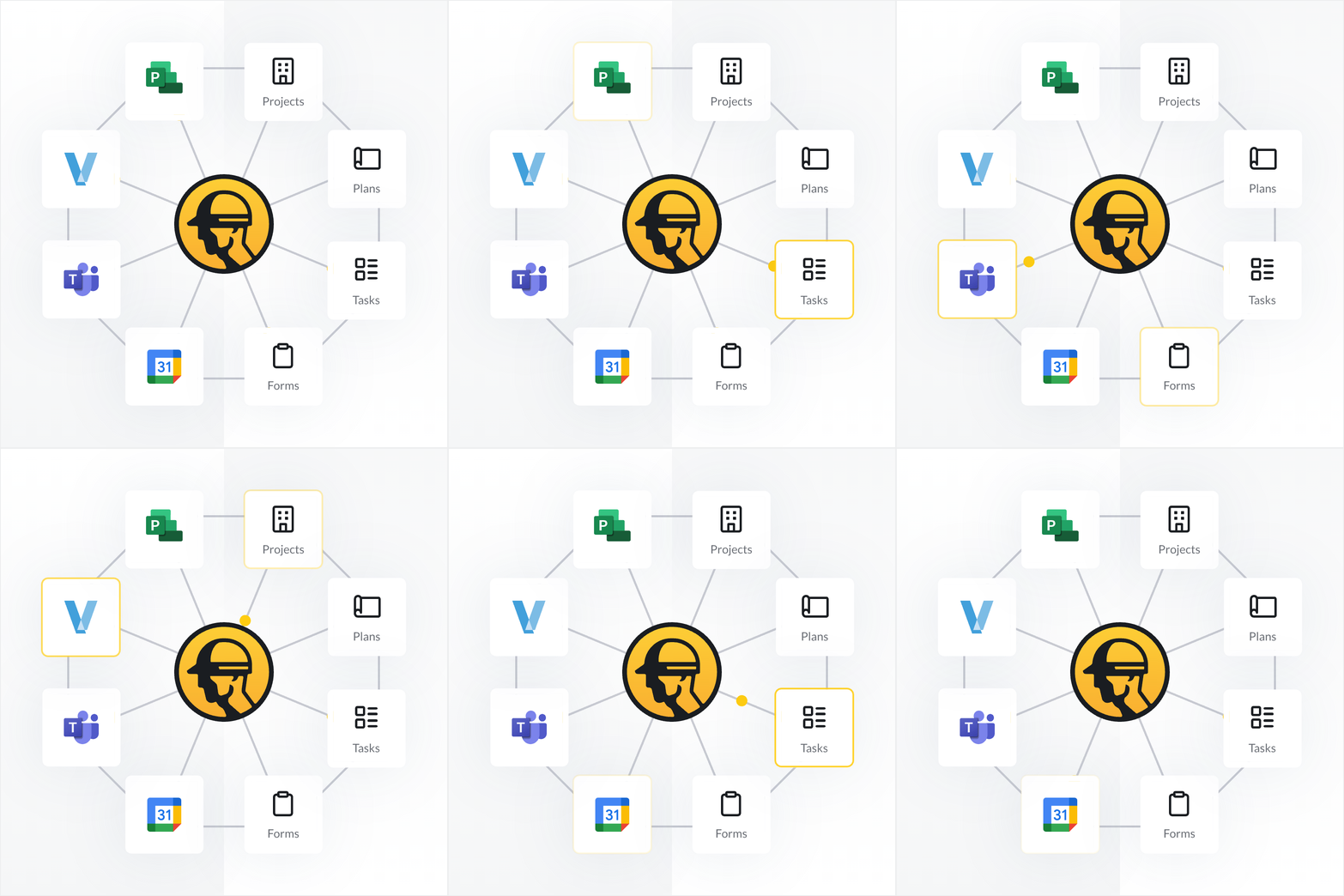
Key construction tools that benefit from integrations
Integrations are most effective when they connect tools that teams use daily. In construction workflows, several types of platforms commonly benefit from integration.
Scheduling tools
Scheduling platforms such as Microsoft Project help define project timelines and dependencies. Integrating scheduling data with field task management tools ensures that schedule changes are reflected in daily site activities.
Communication platforms
Collaboration tools like Microsoft Teams centralize discussions between stakeholders. When project updates appear directly within these channels, teams can react more quickly without switching between applications.
Document and approval systems
SharePoint and electronic signature platforms like Docusign are widely used for contracts, change orders, and approvals. Integrating these systems allows completed documents to become visible alongside project tasks and records.
Calendar platforms
Calendars such as Google Calendar and Microsoft Outlook track meetings, deadlines, and milestones. Integrating project updates with these calendars helps teams maintain awareness of important project events.

Improving transparency and accountability across project teams
Visibility also supports transparency. When project information is accessible across roles, teams gain a clearer understanding of how decisions affect the project.
Office teams can track how schedules and approvals influence field progress. Field teams can see the context behind changes to plans or timelines. This shared visibility helps clarify responsibilities and reduces misunderstandings.
Adopting new software does not automatically improve project workflows. The value often comes from connecting existing tools into a unified system.
A construction technology ecosystem that integrates scheduling, communication, documentation, and field management tools allows project information to move freely between platforms. Instead of relying on manual updates, teams benefit from a consistent flow of information across the project lifecycle.
Building a connected construction technology ecosystem
Construction projects depend on timely access to accurate information. When updates remain isolated within separate tools, teams risk missing critical changes that affect schedules, tasks, or approvals.
Software integration helps address this challenge by connecting the platforms teams already use. By linking scheduling tools, collaboration platforms, document systems, and jobsite management software such as Fieldwire, organizations can improve information visibility across the project.
The result is a more connected workflow where teams remain aligned, decisions are informed by current data, and project information is accessible to the people who need it.
Fieldwire offers integrations with several apps. Discover the whole list in our Integrations page.
Integrations are a part of Fieldwire’s Business and Business Plus plans. Learn more about our plans, features and pricing.


