
New in Fieldwire: 3D tasks, faster model setup, and multi-page plan exports


Construction teams increasingly work across both plans and models, often switching between tools depending on the task at hand. Fieldwire’s latest updates are designed to make those transitions more seamless and reduce project setup time.
From creating tasks directly in 3D to simplifying plan exports, expanding integrations, and improving document workflows, these improvements are built to help teams stay aligned, move faster, and work with clearer context across the jobsite.
Key takeaways
- Create and manage tasks directly within federated 3D models, with automatic syncing to 2D plans.
- Automatically generate model elevations during upload to reduce manual setup time.
- Consolidate plan exports into a single, clean multi-page PDF
- Connect Track3D to Fieldwire for reality capture and 3D tracking workflows
- Gain more flexibility with cleaner records in Submittal and RFI workflows.
Create tasks directly in 3D
Tasks are now available directly in federated 3D models so teams can place issues exactly where they occur. This makes it easier for different trades to understand what’s happening without needing extra clarification. The spatial context helps reduce back-and-forth and keeps everyone aligned.
For teams that still rely on 2D plans, there’s no disruption to existing workflows. If a model is calibrated to 2D, tasks created in 3D automatically appear on the corresponding plans. Each team member can work in the view that fits their workflow, without losing information along the way. Available on Business and Business Plus plans.
Export plans as a single PDF document
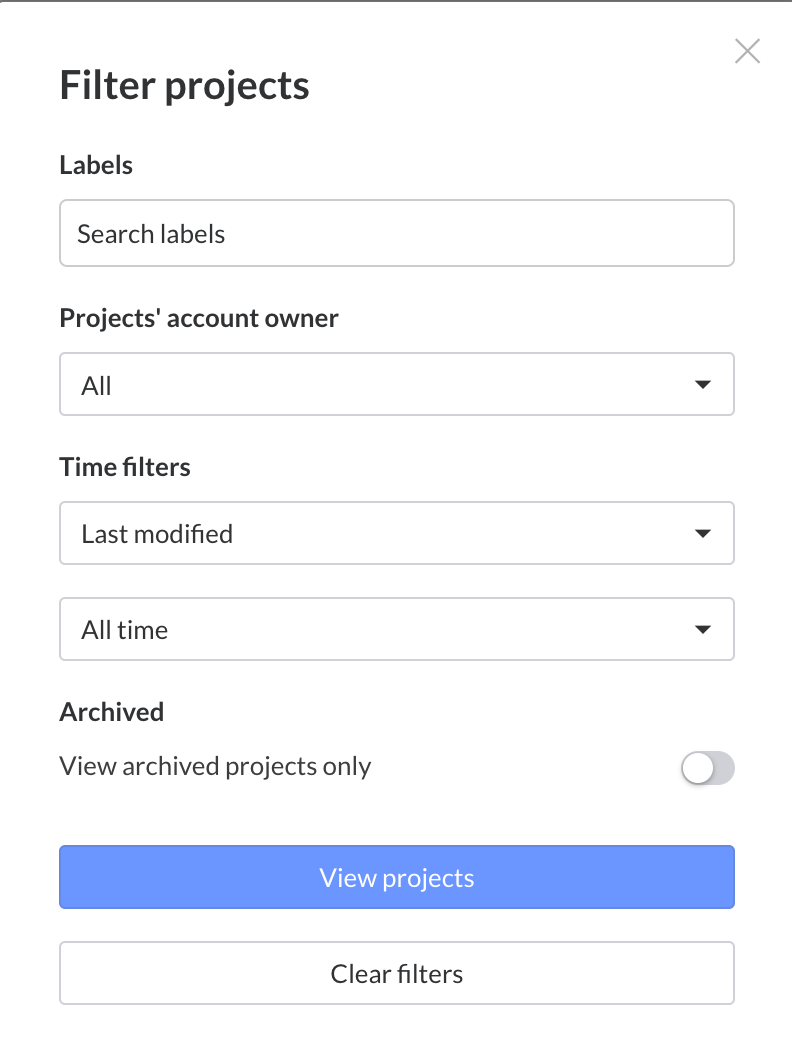
Instead of downloading and unzipping multiple plans, teams can now export multiple plans into one clean, multi-page PDF. This makes it easier to share and prepare complete plan sets for reviews, coordination, or documentation.
With fewer steps and a single organized file, teams can spend less time preparing documents and more time acting on them. Available on Pro, Business, and Business Plus plans.
Use model elevations without the manual work
Fieldwire now generates elevations automatically during model upload and removes duplicate elevations across models. Teams can coordinate faster, using elevation data that’s already embedded in the model. The result is a smoother transition from model upload to active project use, with less manual setup required. Available on Business and Business Plus plans.
Integrate workflows with Track3D
Track3D is now available as an integration within Fieldwire, enabling teams to connect with specialized 3D reality capture and tracking workflows. This helps extend visibility across the jobsite and supports teams working with evolving site conditions and model-based coordination. Available on Business and Business Plus plans.
Improve submittal and RFI workflows
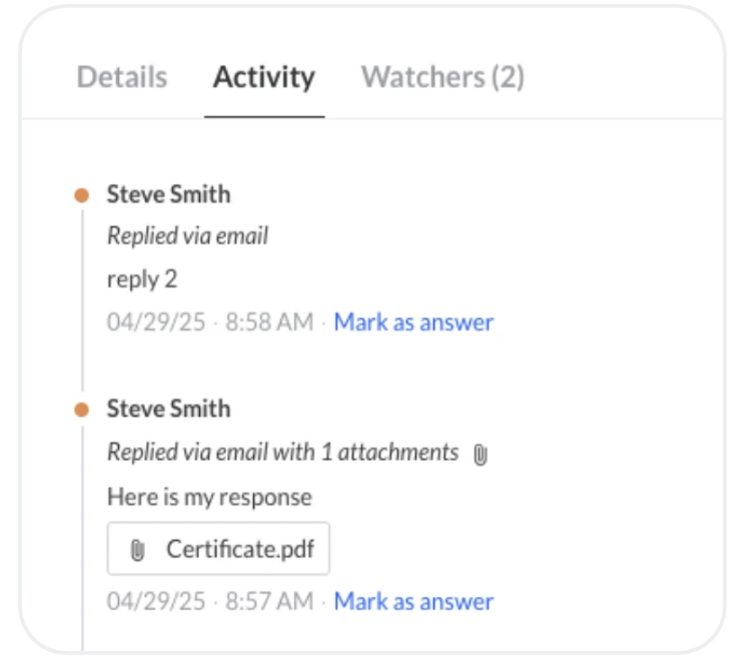
Recent updates also make submittal and RFI workflows more flexible and easier to manage.
For submittals, assignees can now reply directly to notification emails, with their responses and attachments automatically logged in Fieldwire. Teams can also edit submittals after submission, making it easier to correct mistakes without restarting the review process.
RFI workflows are also updated. Lead companies can edit RFIs before reassignment to improve clarity, and RFIs in a “Void” state can be permanently deleted to keep project records clean and organized. Available on Business Plus plans.
Explore new app integrations
Fieldwire continues to expand its ecosystem with new partner apps, including:
- ArcGIS
- Datagrid
- Hardline Buildcheck
- Golden Thread Engine
- Now Vision
These integrations give teams more flexibility to connect their existing tools and streamline workflows across different parts of the project lifecycle. Available on plans with API access.
Supporting more connected construction workflows
These updates are all aimed at helping teams work more fluidly across tools, formats, and project phases. Whether teams are working in 2D or 3D, in the office or in the field, the goal remains the same: make information easier to access, share, and act on.
Explore all Fieldwire recent improvements and releases on the Changelog page.
If you’re considering expanding how your team uses Fieldwire, compare plans and features to find the right fit for your project and workflow.


