
What to look for in a jobsite management software demo before you commit
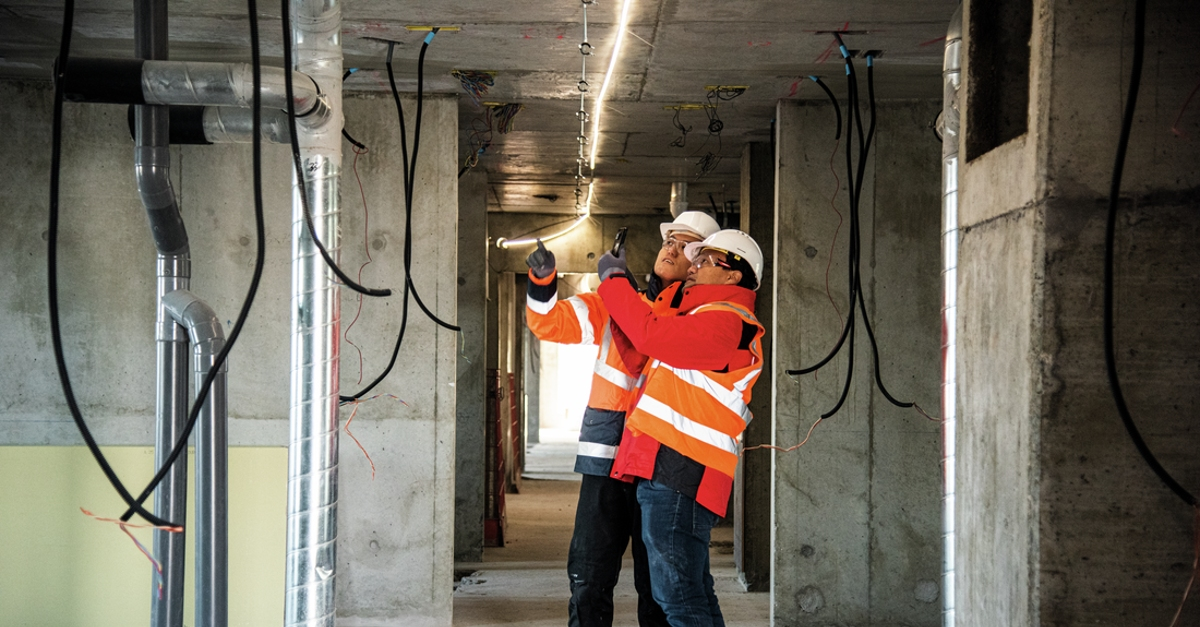
The sales rep clicks through a polished dashboard on a 27-inch monitor. Your superintendent sits in the back of the conference room, wondering how any of this works when he's standing in a basement with no cell signal and concrete dust on his hands.
A jobsite management software demo that stays in conference-room conditions hides what actually determines whether your crew will use the tool or set it aside within a week. The result is often more back-and-forth on outdated plans, lost documentation, and months your team spent trying to make something work that was never tested in the field. When software doesn't fit the way your crew already works, adoption stalls and field usage drops with it.
This article walks through what to evaluate before, during, and after a jobsite management software demo. The goal is to help you tell the difference between software that looks good on a screen and a tool that actually works on your jobsite.
What this article covers:
- A realistic demo shows whether the software holds up under actual jobsite conditions.
- Bringing real workflows and field users turns a scripted demo into a useful test.
- Mobile speed, offline performance, and workflow fit matter more than a polished feature tour.
- Questions about pricing, rollout, integrations, and data access reveal long-term friction points.
- Desktop-only demos and forced process changes can signal poor field adoption ahead.
- A real test starts when your crew uses the app on an active jobsite.
- The FAQs cover demo timing, trials, and how to prepare meaningful test materials.
Why the demo is the most important step in your buying process
A slide deck can promise anything. A demo gives you a chance to see whether the software holds up under something closer to real conditions. The gap between what gets presented in a sales pitch and what holds up on an active jobsite is where many buying mistakes happen.
What a good demo proves that a sales deck can't
A good demo helps you judge speed, friction, and workflow fit in real time. You can watch how many taps it takes to create a punch list item from a phone. You can see whether the mobile app loads plans quickly or stalls. You can test whether a foreman with 20 years of experience and zero patience for software can figure out the interface without someone walking him through it. A sales deck tells you the tool has offline mode. A demo lets you turn on airplane mode and find out if that's actually true.
Where most buyers go wrong before the demo even starts
Most teams walk into a demo without a plan for what they need to see. They let the sales rep drive the entire conversation, watch a scripted walkthrough on a desktop browser, and leave impressed by features they'll never use. Field staff needs should be a top consideration when investing in technology, but many teams still buy software before gathering direct feedback from the people who will use it every day.
How to pressure-test a construction management software demo
A little preparation changes the quality of the demo quickly. Use this section to make sure the vendor is responding to your work, not just delivering a script.
Bring your actual workflows, not a generic feature checklist
Map your three most critical field workflows before the demo. For most teams, that's daily reports, the RFI workflow, and punch lists. Ask the vendor to demonstrate each one the way your crew currently does it. If the vendor says your team would need to adjust its process to fit the software, that's a material concern. Bring a real drawing set in PDF format, even a single sheet from a current project. Vendors who can't handle your actual files during a demo are showing you a real limitation.
Include a foreman or superintendent on the call
You need at least one person on the demo call who will use the tool every day on the jobsite. Bring someone skeptical of technology, not just leadership. Their reaction is often more predictive than any project executive's assessment.
Decide what "success" looks like before the demo starts
Write down your top three field pain points before arriving. If your biggest problem is crews working from outdated drawings, the demo needs to show version control and automatic plan updates on mobile devices. If your biggest problem is punch list documentation during closeout, the demo needs to show how fast a superintendent can log a deficiency, attach a photo, and assign it to a sub. Without defined success criteria, you'll leave the demo impressed by features that don't solve your actual problems.

What to evaluate during a construction management software demo
This is the part of the process where surface-level polish stops mattering. Focus on how the software behaves when you test the workflows your crew depends on.
Whether the demo runs on mobile, not just a desktop
Ask the vendor to demonstrate core workflows on a phone, not a laptop or tablet. Count the taps required to create a task, attach a photo, and assign it. A foreman walking a jobsite needs to capture and retrieve information quickly, potentially holding a radio and squinting at the screen in direct sunlight. Bring your own phone to the demo. Do not let the vendor demonstrate only on their pre-configured device with ideal hardware.
How the software handles offline conditions and poor connectivity
Treat this as a field-readiness test, not just a feature comparison. Ask the vendor to enable airplane mode on a mobile device and then create a task, pull up drawings, take a photo, and fill out a daily log. If any of those functions fail, the offline mode isn't doing what your crew needs. If it cannot handle offline use and sync back when connectivity returns, it will struggle under actual field constraints even if it looks good in a conference-room demo.
Whether the workflow matches how your team actually works
Ask the vendor to demonstrate your daily report process, your RFI workflow, and your punch list walkthrough using the steps your crew actually follows. Software that forces your team to change how they report or document can create adoption friction. Poor fit with current processes and procedures is often what causes construction teams to abandon a tool.
How fast a real task, RFI, or punch list item can be created
Time it. A superintendent should be able to create a punch list item, pin it to a location on a drawing, attach a photo, and assign it to a subcontractor quickly from a phone. If a daily log requires navigating several screens, or if completing a report requires returning to a desktop, that's a predictable field adoption problem. Once a superintendent sees that a daily log app saves time when summarizing a shift's activities, the habit can sell itself.
How the office sees what the field just did
Have someone in the office, or on a second device, watch as the field device creates a punch list item, logs progress, or submits a daily report. Updates should be visible quickly once the device reconnects or syncs, not only after a manual upload step or an end-of-day sync. If the office can't see what the field just documented until later, you're still dealing with the same field-office disconnect you have now, just with a fancier interface.
Fieldwire is a mobile-first, field-first jobsite management app built for the people doing actual work in the field. It was designed around this exact gap. Within Fieldwire, plans, tasks, photos, and documentation captured on the jobsite are available to office teams without manual handoffs once the device syncs, and the app works offline on iOS and Android. Updates can be uploaded once connectivity returns, and it has powered more than 4,000,000 projects worldwide.
Questions to ask before you commit
A polished demo can still leave out the details that affect rollout, cost, and long-term fit. Use these questions to surface what matters before you sign.
How long does it really take to roll this out to field crews?
Adoption timelines often stretch beyond initial expectations. Ask for contact information for three reference clients of comparable size who went live within the past 18 months. Ask those references how long rollout actually took versus what was projected.
What does pricing look like at every tier, including for occasional users?
Per-user pricing scales quickly with team size. Subcontractors, inspectors, and occasional users can inflate costs if each requires a full seat. Ask how the vendor defines a "user," whether there's a lower-cost field or view-only license, and what triggers a tier upgrade. Get year-two and year-three pricing projections in writing. Before signing, confirm the all-in cost in writing: per-user charges at your projected headcount, integration fees, training costs, storage limits, and what happens at renewal. Fieldwire publishes its pricing tiers directly on its website, including a permanent free Basic plan for small teams. Every level shows per-user pricing up front, so you know exactly what you're paying for before you sign.
What integrations are included, and which cost extra?
Ask specifically about your current tools, not integrations in general. Manually integrating data between apps is still common in construction. If the vendor's answer is "we have an open API" without naming a maintained connection to your accounting or file storage system, that's a future development project. Ask to see data flow live, not on a slide.
What happens to my data if I cancel?
Ask what formats your data can be exported in, how long data is retained after contract termination, and whether access continues during a transition period. A vendor who can't answer these questions specifically is a lock-in risk.
Can I run a pilot on one active project before signing a contract?
A sandbox with sample data doesn't predict real adoption. Starting with a real project demonstrates value under actual constraints in ways that demos and sandboxes cannot. Ask for a two-week pilot on a live jobsite with your actual crew, your actual drawings, and your actual daily workflows.
Red flags that should slow down your decision
Not every issue in a demo should kill the deal, but some patterns deserve extra caution. Watch for these signs before you move forward.
Demos that only run on the desktop version
If the vendor keeps the demo on desktop and avoids the phone workflow, that's a warning sign. If the tool is being sold for field use, it needs to be demonstrated in the same mobile conditions where your crew would actually rely on it, not just in a browser.
Sales reps who can't answer pricing questions on the call
If pricing changes between the demo and the contract, or if the rep can't break down what each tier includes, expect surprises later. Software vendors often include only baseline services in contracts, with additional costs handled through change orders. Get the full breakdown in writing before you move forward.

Workflows that require your team to change how they work
If every friction point gets answered with some version of "your team will need to change its process," that's a warning, not a solution. If a vendor tells you that your crew needs to adjust their process to fit the tool, that's closely aligned with a common technology adoption pattern in construction.
Long rollout timelines with mandatory paid training
Finding time to implement and train on new technology is a common challenge. If a vendor requires weeks of paid training before your crew can start using the tool, ask what that says about day-to-day usability in field conditions. The best field tools are usually the ones your crew can pick up with minimal help.
After the demo: how to make a confident decision
The demo gives you a first impression. This is where you confirm whether your own crew can use the tool without help.
Test the mobile app with your actual field crew
Even if the mobile workflow looked strong in the demo, hand the app to a skeptical foreman on an active jobsite without coaching and watch what happens. The vendor-guided walkthrough doesn't tell you much. What matters is whether your crew can complete real tasks on their own under actual field conditions.
See Fieldwire in action on your jobsite, not on a slide
Fieldwire gives field teams and office staff a shared, real-time view of plans, tasks, and documentation, so everyone's working from the same page, whether they're on the third floor or in the trailer. Book a demo or start free and test it on your next project with your own crew.
Frequently asked questions about jobsite management software demos
Plan for 45 to 60 minutes. That's enough time to see core workflows demonstrated on mobile, test offline mode, and ask pricing and integration questions.
Take the demo first, then run a trial on a real project to verify whether the demo matched reality. Fieldwire offers a permanent free Basic plan for up to five users, three projects, and 100 sheets, so you can test on an active jobsite before committing.
Yes, and you should. Bring a real drawing set in PDF format and a list of your actual subcontractors. A vendor who can't handle your real files during the demo is showing you a daily limitation.


