
Multi-project construction management: how trade contractors stay in control

Your foreman closes out Tuesday on one GC's high-rise fit-out. On Wednesday morning he's across town on a different GC's data center job, filling out a daily report in a format he's never seen for a superintendent he met an hour ago.
Multi-project construction management means coordinating tasks, plans, and documentation across several active jobs at once. For a trade contractor, that juggling act plays out crew by crew, jobsite by jobsite. Time spent relearning another GC's paperwork is time not spent installing, and documentation gaps between jobs raise the odds of punch list disputes or rework orders down the line.
Contractors who stay in control across five or eight active jobs lean on repeatable systems: an internal workflow that stays consistent from job to job, still meets each GC's requirements, and runs on a field app crews will actually open on every site.
What this article covers:
- Trade contractors run their crews across several GC-controlled jobsites at once, which is a different problem than a GC managing one portfolio.
- Project templates keep every job's setup consistent instead of rebuilding folders, forms, and reports from scratch each time.
- Your own internal record keeps photos, plans, daily reports, and punch lists in your hands, including after a GC closes your access.
- Standardized setup and documentation mean adding the sixth job creates less admin and closeout work than the first.
- Crews adopt a field system when it is simple, mobile, and useful on every site, not just the flagship job.
Why multi-project construction management works differently for trade contractors than for GCs
Trade contractors juggle multiple projects in a fundamentally different way than general contractors do. For a GC, managing multiple projects means portfolio-level oversight of budgets, timelines, and crews across jobsites it controls. For a trade contractor, it means the same five-person crew moving between three different GCs' jobsites, each with its own documentation standard and its own system. Generic multi-project advice usually assumes the GC scenario, so check that assumption before applying it here.
That distinction traces back to how the industry is structured. Specialty trade contractors work under contract to a general contractor rather than managing the entire project. The GC sits at the top of one hierarchy. You sit inside several hierarchies at once.
That position creates problems a GC never faces. Across several active jobsites, your crews may be moving between different general contractors and documentation requirements, with expectations changing by job.
Each GC pushes plan revisions on its own timeline, runs its own submittal and RFI system, and expects daily reports in its own format. When one GC's start date slips, the ripple hits your commitments to two other GCs who each assume your crew is dedicated to them. Managing that requires a setup built for multiple GC systems.
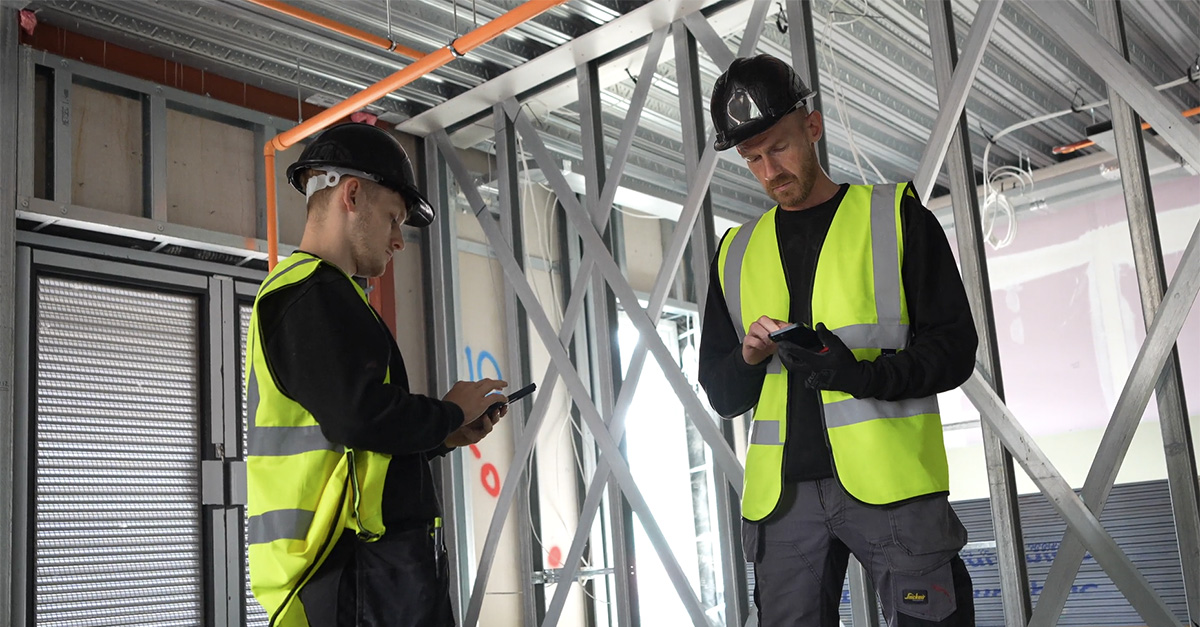
Standardizing workflows for every project
In practice, a trade contractor's admin burden tends to grow with each active project and each GC workflow someone rebuilds from scratch. Job one gets organized folders and consistent checklists inside a clean task structure. Job five gets whatever the PM had time to throw together the week before mobilization.
Start by separating what stays fixed from what flexes:
- Fixed internal core: RFI logs, daily QC reports, change order forms, inspection checklists, and naming conventions that work the same way on every job.
- Flexible GC-facing shell: numbering formats, cover sheets, and whatever metadata each GC requires.
Map the shell to your core at kickoff instead of rebuilding the core every time. The tool that makes this repeatable is some form of project template: a way to configure task categories, forms, checklists, folder structure, and reporting once, then spin up every new project from that baseline instead of rebuilding it.
In Fieldwire, this runs through Project Templates (Pro and above), which cover trade and specialty contractor plan and task setup along with forms, settings, team members, and locations. With a template in place, job five starts as organized as job one, and setup work drops from days to minutes regardless of which platform runs it.
Keeping documentation consistent across every GC relationship
Documentation can drift when every project starts from a blank slate. Your photos live in one foreman's camera roll on job one, in a group text on job two, and in a GC's platform you'll lose access to after closeout on job three. When a GC questions work you finished a month ago, the answer depends on which job it was.
Maintain your own internal system of record, and export to each GC's platform as needed while your team keeps working from the same primary workflow. That internal record should capture the details that travel across projects:
- Daily report data: work completed, problems and actions taken, crews on site, visitors, and weather.
- Punch list data: a consistent format and process on every project, so a superintendent moving between jobs never has to relearn the system.
- Plan evidence: markups and plan versions tied to where the work happened.
- Photo and as-built evidence: photos and as-built notes connected to the right drawing and location.
If your internal daily report captures all the fields any GC requires, it can be reformatted for any GC's cover sheet without re-collecting data. The same logic applies to punch lists: use the same process and fields in the same format on every project, so you can spot patterns across projects.
Scaling project count without scaling admin overhead or per-project cost
Every hour your team spends hunting for the current drawing, rekeying the same daily report into a second system, or rebuilding a folder structure from memory is an hour that does not move the work forward. Multiply that across every person on every active job and the cost of fragmented systems becomes easier to see.
Closeout is often where the compounding shows up hardest. If documentation is scattered during the job, document collection can restart from scratch for each project just when your people are being pulled toward the next one. Every job you add can become another future closeout on the pile.
Standardized setup is the direct counter to this. When every project launches from the same template, the setup work for each additional project tends to shrink: same folder structure, same forms, same reporting. Documentation accumulates during the job instead of getting reconstructed at the end, so adding a job creates less future work and fewer closeout scrambles.

Giving crews a system they'll use on every job
Adoption often determines whether a multi-project rollout sticks. Most field supervisors already carry a smartphone or tablet, but the device only helps if the software on it is worth opening. Tools selected without input from the foremen who use them daily carry a higher risk of sitting unused once the novelty wears off.
The flagship project gets attention, training, and executive visibility, so the tool gets used. Jobs three and four get an email with a login. Foremen who see no direct benefit from extra data entry comply minimally or quietly revert to paper, and leadership doesn't find out until closeout documentation comes up empty. That makes ease of use and mobile access decisive when the goal is adoption across the whole project list, not just the job someone is watching closely.
A useful bar to test any field app against: can a veteran foreman navigate project documents in about 10 minutes? Fieldwire is built around that standard, works fully offline so a crew in a basement or a remote site can keep viewing plans, completing inspections, and taking photos, and syncs automatically once they reconnect.
That combination of low-friction design and offline reliability matters most on the jobs with less executive attention, where nobody is pushing adoption from the top down.
At larger scale, Bear Construction, a Chicago interior development contractor with over $165 million in annual revenue, runs plan management and field documentation through Fieldwire. Senior PM Nick Minella described the payoff plainly: "The ability to pull up plans and other files in Fieldwire while you're on the phone with a client in a different time zone is great. You can discuss the specifics with each other while you're both looking at the same information, so there's no confusion or uncertainty about placement."
Whatever tool you land on, multi-project work has two consistency gaps: rebuilding setup per job, and uneven per-job adoption. Both close with a repeatable template plus a field app crews will actually open on the job nobody's watching.
Frequently asked questions about multi-project construction management
Multi-project construction management means coordinating tasks, plans, crews, and documentation across several active jobs at the same time. For trade and specialty contractors, it specifically means running your own crews and documentation standards across multiple jobsites owned by different general contractors, each with its own requirements.
There's no single answer. Capacity depends on project size, complexity, crew availability, travel time between sites, and how much administrative work each GC requires. Standardized workflows and mobile field apps raise that ceiling because less of each manager's week goes to per-project admin.
Maintain a single source of truth for current drawings with clear revision identifiers, and archive outdated sets so they can't be confused with active ones. In Fieldwire, each plan carries its full version history, the latest version shows by default, and you can set which version is active, whether the revision came from GC A on Tuesday or GC B on Thursday.
Build one internal daily report that captures every field any GC requires: work completed, problems and actions taken, crews on site, visitors, and weather. Then reformat that data for each GC's cover sheet instead of collecting it separately per job. Your internal report stays your record; the GC's format becomes an export step.
Yes. Fieldwire's iOS and Android apps work fully offline: crews can view plans, complete inspections, add markups, and take photos with no connection, and everything syncs automatically once the device reconnects to wifi or cellular data. That keeps documentation flowing on remote sites, basements, and anywhere connectivity drops.


