
How field and office teams actually use the same construction software differently
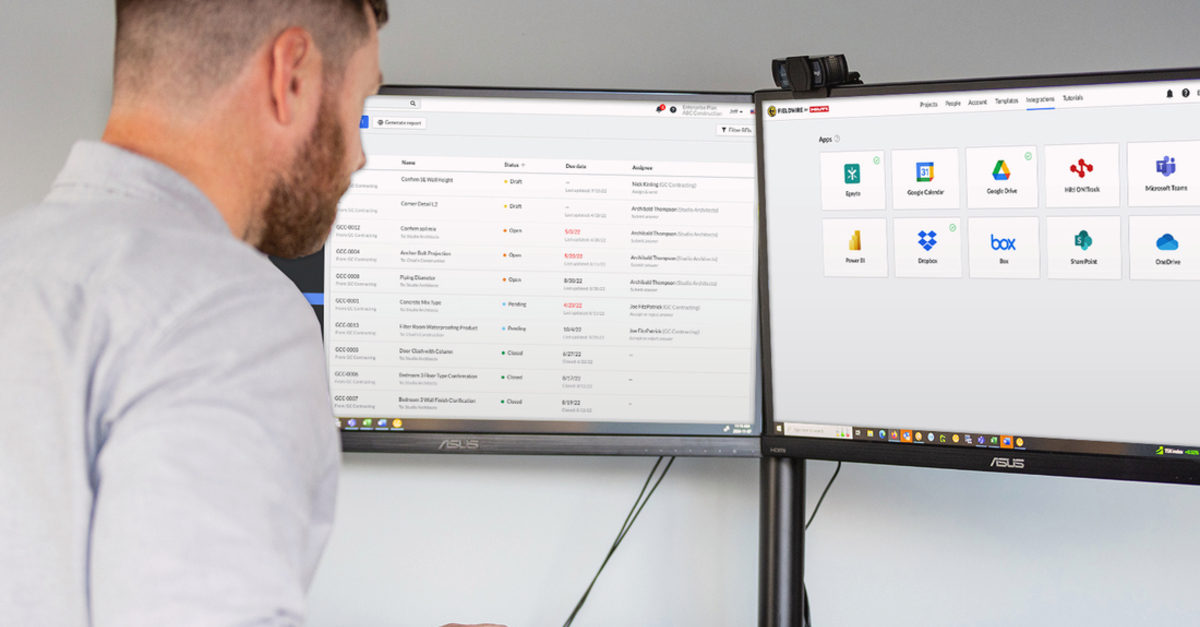
What if the same punch item looked completely different depending on who opened it? A foreman in the field would see a work order: a location pinned on the plan, a photo requirement, a trade assignment. A PM in the office, prepping for an owner call, would see one line in a status rollup across three active projects.
That contrast is the real test of how construction management software supports field and office teams: can one record actually serve both jobs? The office needs synchronized field updates without re-entering the same information, and the field needs to capture without extra admin work.
The foreman and the PM would use the software differently even with the exact same login, because their jobs demand it. The field captures; the office rolls up.
What this article covers:
- Five connected workflows show how one shared record supports field execution, office oversight, and closeout.
- A punch item can guide field work while preserving office verification and closeout control.
- Version-controlled drawings keep crews current and help prevent costly rework from outdated sheets.
- Documentation captured during construction can become closeout proof without rebuilding records at handover.
Same morning, same app, two different jobs
Those opposing workflows impose different demands on the interface: speed and location context in the field, filtering and aggregation in the office. The foreman's morning starts before the crew arrives: walk the site, check what's ready, sequence the day's work, and document as the work happens. His unit of attention is the task and its location.
The PM's morning runs across projects: task status, budget position, open items, and anything that needs to go in front of an owner. Her unit of attention is the rollup.
This handoff consumes time. Searching for drawings, photos, and past decisions can consume significant field time when records are fragmented. When the handoff relies on a phone call or a paper daily report transcribed later, the PM works from stale information and the foreman spends his evening doing admin. When both roles work the same live record, the handoff stops being a separate step.
One punch list item, two ways to work it
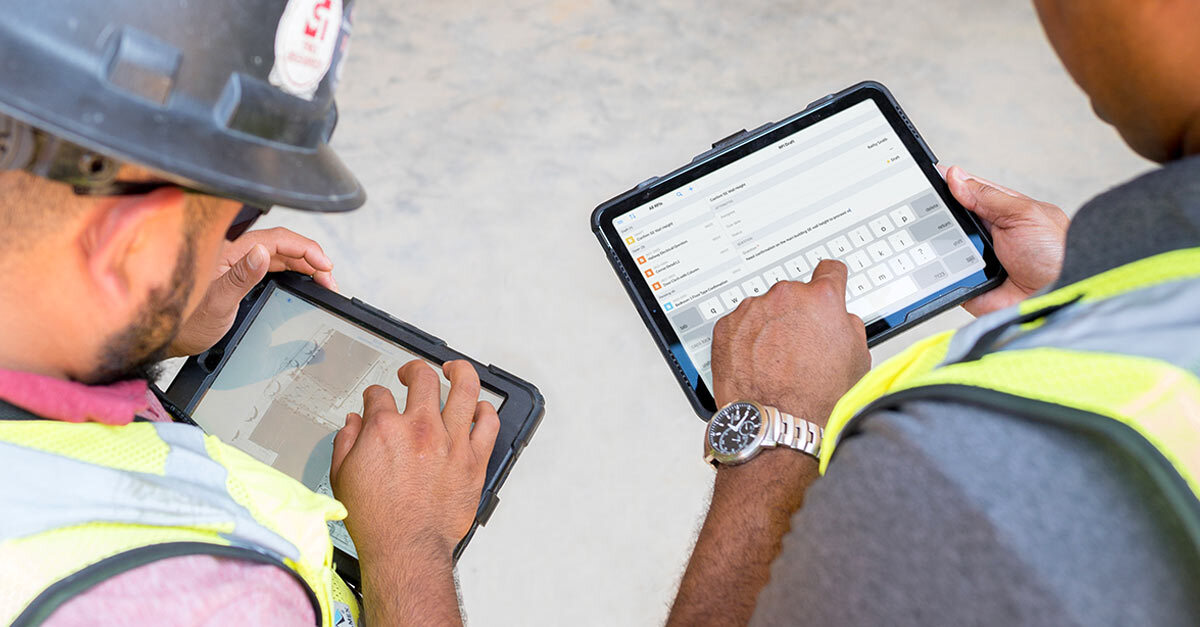
A punch list item is a work order to the field and a closeout record to the office, and it should be both without anyone typing it twice. A good punch list workflow lets a foreman tap a location on the digital plan and pin the punch item to the exact spot on the drawing. He can attach a photo and assign it to the responsible trade from a phone or tablet.
Good field software works this way: mobile photos can retain capture date and time, and GPS data where device permissions allow it. On eligible paid plans, an admin can separately enable permanent, visible photo stamps. No signal in the basement? The item can still be created offline once the relevant project content is downloaded, and it syncs after the device reconnects and the app syncs.
The office works the same item differently. A PM opens the project, sees status in real time, filters punch items by fields such as trade and location, and generates a PDF report in one click. After the team configures filters, recipients, and a delivery schedule, those reports can also be sent automatically, such as before a morning meeting, which can reduce manual report distribution once it's set up.
There's also a deliberate permission boundary on the same record. In one platform's punch list workflow, only Project Admins can verify that deficiencies are complete. A trade marks its item complete from the field; verification and closeout stay with the reviewing role.
A case study on Ford AV describes this kind of split across more than 50 field crews a week. Technicians add photos and mark tasks complete, the superintendent verifies, and those updates are visible to managers in the office in real time, across thousands of documents and tasks on the same platform.
One drawing set, two relationships with it
The office controls the current drawing, and the field builds from it. A mismatch between those versions can lead to rework. On a commercial project, an MEP trade may install ductwork from an outdated mechanical plan while a newer issued-for-construction set is current.
If duct routing changed between revisions, the installed runs can conflict with structural elements that weren't on the old sheets, and the conflict may require rework.
Version control is an office action with a field consequence. Good plan-management software reads sheet names and inserts new versions automatically, transferring existing tasks and markups to the newest sheet so as-builts stay accurate, provided the revised sheets are uploaded correctly. Uploading a new set works the same way in practice.
A superintendent pulls the current set on a tablet before the morning huddle. During installation, a foreman can pin a conflict with a photo to the exact location. On paid plans, a trade can use revision comparison to see what changed in a mid-project revision before starting work; check the current pricing page for exact tier eligibility.
Offline access matters more for the drawing set than almost anything else, though crews still need to sync the latest version to the device before they lose signal. Plans downloaded ahead of time stay viewable with zero signal, and markups made offline sync once the device reconnects. Version control has limited value if crews can't access the current plan when and where they work.
How software supports both sides
Software gets consistent use when it gives field teams quick capture and gives the office ready-made reports. Without quick field capture, crews may route around office-first software. Without office-ready reporting, the office rebuilds reports by hand.
Contractors may use separate tools for documents, scheduling, financials, quality, and field tasks, and adoption suffers when those workflows require duplicate entry or don't hold up in the field. Crews may abandon office-designed software when logging an update takes too many taps or the mobile experience is a desktop web app shrunk to a phone. Lack of offline access creates another barrier on site.
Office-ready reporting matters just as much. When field capture lives in software that never rolls up, the PM is back to chasing status through texts and emails, and the closeout package gets reconstructed from inboxes and shared drives at turnover. One record must give the field a quick way to capture proof and give the PM a report that requires no extra field work. The foreman's photo can become part of the PM's supporting record.
One option is Fieldwire, a field-first construction platform where crews pin issues, photos, and notes directly to plans from their phones (even offline), and the office sees every update in real time. At Bear Construction, which has managed thousands of interior projects in Fieldwire, Senior PM Nick Minella called it "ten times easier to use than any of those other tools."
In one customer story, Carpe Domi's CEO said new workers could get operational in about 15 minutes. Field teams using tools like this have reported saving up to an hour per person per day, though actual results depend on workflow, role, and adoption. When it materializes, that hour comes from both sides: the foreman who stops transcribing and the PM who stops chasing.
Field capture becomes the closeout record
Documentation captured during the work gives the office a head start on closeout. Incomplete or scattered documentation can add work during closeout, since teams must locate, verify, and compile records after construction rather than during it. A complete punch and documentation record can also support closeout and payment discussions, including retainage-release requirements where the contract ties them to completion documentation.
Documentation created during the work becomes the deliverable: live punch list data lets platforms built this way generate closeout reports through a single, repeatable export. The foreman's early-morning photo from the opening of this article is already sitting in the closeout record; nobody has to go find it in October.
The same live record documents completed work. When a general contractor challenged JSC Systems on completed work, project manager Ray Griffis says he pulled a report with photo documentation and task lists and sent it back in all of seven minutes. Carpe Domi, with 100% of employees on Fieldwire, made its closeout process 4x faster, down from two months to two weeks.
A 2026 peer-reviewed study of nearly 20,000 rework events found actual precompletion rework costs averaged 0.38% of contract value, rising to roughly 0.76% once postcompletion corrections are factored in — and underreported by 300% relative to what routine project reporting had captured. Avoiding even one documented dispute or a significant corrective-work event can offset part of the software's cost, though actual return depends on project conditions and adoption.
Getting the field and the office on the same page
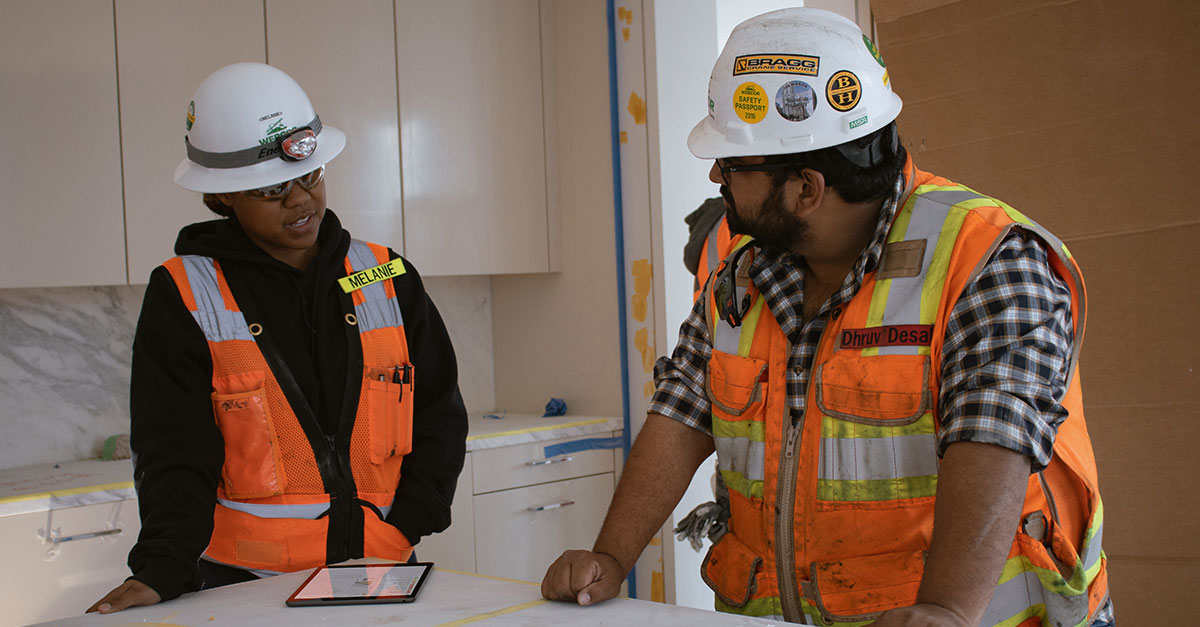
The foreman marking a punch item complete and the PM prepping for an owner call use two halves of the same record. Jobsite management software earns its keep by serving both without adding work to either.
Fieldwire, the field-first construction platform used on more than 4 million projects worldwide, is built this way. Field teams and office staff share a real-time view of plans and tasks, with documentation in the same place.
Everyone works from the same page whether they're on the jobsite or in the trailer.
For a superintendent, that means less after-hours paperwork. For a PM or ops lead, it means more current, structured status without relying exclusively on calls, texts, and manual report compilation, and closeout that starts on day one instead of at substantial completion.
Frequently asked questions about how construction management software supports field and office teams
It should, and it's one reason crews abandon software that doesn't. Good jobsite management software supports offline work with project content already downloaded: crews view plans, create and edit tasks, capture photos, and add markups with no connection. Those entries sync once the device reconnects and the app is reopened. Every tier, including the free Basic plan, offers offline access.
In a well-designed workflow, the person doing the work and the person confirming it's done are different roles. A trade marks its own item complete from the field, but only a Project Admin can verify it, keeping quality control with the reviewing role rather than the crew that did the work.
Not when the underlying data is already structured. A PM can filter tasks or punch items by trade, location, or status and generate a PDF or CSV report in a few clicks. Some platforms also support scheduling that report to go out automatically on a set day and time.
Version control on the office side. When a new sheet set is uploaded, software built for this can read sheet names, insert the new versions automatically, and carry existing tasks and markups over to the current sheet. The field opens the latest version by default rather than a stale one saved to a phone.
When photos, task history, and punch list status are captured during the work rather than reconstructed afterward, closeout becomes an export instead of a rebuild. That same record can also support retainage-release paperwork where the contract ties it to completion documentation, and it can help answer disputes about completed work faster than searching through inboxes and shared drives.


