
Construction management software guide: Choose the right tool

Construction management software has become a game changer for construction companies looking to streamline collaboration and improve productivity. With projects growing in complexity and teams working across multiple locations, choosing the right platform is essential to keep documents, tasks and messages organized.
More than digitizing processes, construction management software enables your team to work smarter, reduce delays, and make data-driven decisions.
But, with so many options on the market, it is not easy to choose the best solution for your teams. This guide will help you identify the key features to look for and compare the top solutions, so you can choose the construction management app that really matches your needs.
Summary
- Construction management software centralizes project planning, documentation, and communication in one platform.
- Key features include planning and scheduling, document management, budget oversight, mobile usability, and integrations.
- Benefits include fewer delays, improved reporting, enhanced decision-making, and better team coordination.
- Comparing software helps identify the best fit based on team size, project type, and workflow needs.
- Selection criteria include must-have features, scalability, mobile performance, integrations, and usability.
- Successful adoption requires stakeholder alignment, training, standardized workflows, and mobile-first tools.
What is construction management software
Construction management software is a digital platform designed to help construction teams plan, coordinate, and execute projects efficiently. It centralizes tasks, schedules, documents, and budgets, allowing both field and office teams to stay aligned and have easy access to the information they need.
How construction management software will evolve in 2026
Modern construction management tools are moving beyond digital file storage and simple task tracking. In 2026, software is expected to focus on:
- Automation: Reducing manual updates for schedules, punch lists, and progress tracking.
- Data-driven decision-making: Leveraging analytics and dashboards to guide budgeting, resource allocation, and risk management.
- Connected operations: Acting as a central system linking all tools used by construction teams via API and app integrations.
These trends reflect how construction software is becoming the core operational system connecting office and field teams – a one stop shop that everyone can rely on to find the information they need in real time.

Key features to look for in construction management software
operate: flowing information, tracking work in the field, resolving issues quickly, coordinating trades, and closing out efficiently. The following capabilities have the biggest impact on project outcomes:
- Document management
- Planning and scheduling
- Inspections and punch lists
- Reporting
- Communication and collaboration tools
- Mobile and field-first usability
- Integrations
Here is how each one can benefit your projects and your teams:
1. Document management
Construction projects generate countless documents, including RFIs (Requests for Information), submittals, specifications, drawings, and contracts. A robust document management system centralizes these files so teams are always working off the latest information. This prevents rework caused by outdated sheets and creates traceability for compliance and closeout. Platforms should support versioning, markup, approvals, and have an intuitive interface so both field and office teams can quickly find the document they are looking for.
2. Planning and scheduling
In construction, schedules can make or break a project, and organizing material deliveries and handoffs for different trades is not simple. The most effective platforms allow project managers and field teams to align on activities, forecast impacts when delays occur, and adjust priorities without derailing downstream work. Look for systems that simplify updates rather than making teams wrestle with complex scheduling software.
3. Inspections and punch lists
When inspections and punch lists can be managed directly from the jobsite, there is less chance of project delays. Construction software should enable field teams to log issues, assign responsibilities, attach photos, track progress, and push items to completion. A simplified punch list process reduces the number of back-and-forth site walks, accelerates closeout, and avoids friction between GCs and subcontractors.
4. Reporting
Software should simplify how information moves from the field to stakeholders. The best tools allow teams to capture data once and automatically convert it into structured reports without manual formatting. Automated distribution and customizable templates reduce administrative work and ensure the right people see updates without chasing them down. Strong reporting also supports benchmarking across projects, helping teams identify trends and recurring delays.
5. Communication and collaboration tools
Construction hinges on coordination between owners, GCs, subs, and suppliers. Software should create a shared source of truth for questions, updates, and issue resolution, reducing informal communication that gets lost in texts and emails. Clear accountability (who’s responsible, what’s due, and what’s blocking progress) matters far more than chat features alone. Collaboration tools shine when they shorten turnaround times and keep trades aligned on priorities.
6. Mobile and field-first usability
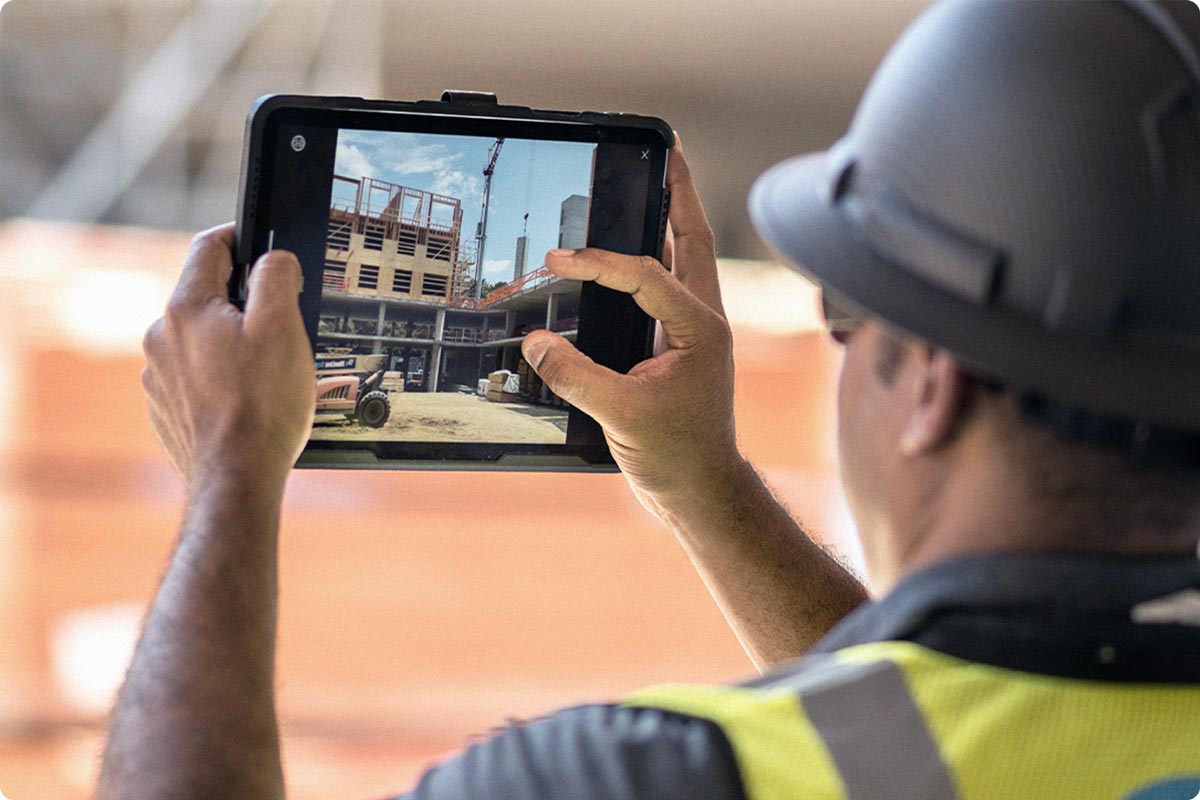
Most construction work happens on the jobsite, not behind a monitor. Mobile-first platforms allow field crews to pull up drawings, record progress, and close out tasks in real time, even with limited connectivity. Simplicity matters: if the software slows down foremen or superintendents, adoption stalls and workflows revert back to pen-and-paper.
7. Integrations
Construction teams rely on multiple systems: accounting, ERP, estimating, BIM, analytics, and more. Integrations ensure these tools share data rather than operate in silos. Seamless integrations prevent double entry, reduce administrative overhead and enhances the value of existing tools.
Benefits of construction management software
Using construction management software provides measurable benefits:
- Fewer delays and rework: Up-to-date plans and digital punch lists minimize miscommunication.
- Improved reporting: Automated reports provide visibility into project status.
- Better decision-making: Real-time dashboards guide resource allocation and risk management.
- Increased efficiency and productivity: Automated updates and mobile access reduce administrative overhead.
- Improved team collaboration: Seamless communication between field and office teams ensures alignment.
Construction management software comparison
Comparing software helps identify the right solution for your projects and team size. Below are six top platforms:
1. Fieldwire
Overview: Fieldwire is a mobile-first construction management platform designed for field teams. It focuses on task management, plan viewing, punch list tracking, and customizable reports, while also supporting core PM functions like RFIs, submittals, specifications and change orders.
Key features:
- Task and punch list management
- Plan viewing and markup, with 3D model viewing
- Real-time progress tracking
- Reports and custom forms
- Project management (RFIs, Submittals, Change orders and Budget)
Pricing: Tiered plans with a free plan available. $39 to $89 per user per month when paid annually, or $54 to $104 when paid monthly.
Best for: Teams seeking intuitive field-first tools and fast implementation for small to mid-sized projects.

2. Procore
Overview: Procore is an enterprise-grade construction platform that covers project management and financials. Known for scalability, it’s widely used across large projects.
Key features:
- Project management (RFIs, Submittals, Change orders)
- Budget tracking and invoicing
- Document management
- Quality and safety management
- Integrations with ERP and accounting software
Pricing: Tiered pricing based on company size (Annual Construction Volume) and project requirements.
Best for: Large organizations managing complex projects and requiring extensive reporting and integration capabilities.
3. Autodesk Build
Overview: Autodesk Build combines project management and BIM. It’s best suited for teams relying heavily on 3D models, who need a lot of coordination between designers/architects and contractors.
Key features:
- BIM 360 integration
- Cost control
- Schedule and meetings management
- RFIs and submittal tracking
- Quality and safety management
Pricing: Subscription-based, $140 per user per month when paid annually. Price can change if other Autodesk products are added on the subscription.
Best for: Teams using BIM workflows or digital twin models, often for design-heavy projects.
4. Raken
Overview: Raken focuses on construction reporting and field productivity. It emphasizes daily reports, time tracking, and progress photos.
Key features:
- Daily reporting
- Time and labor tracking
- Photo and video capture
- Safety checklists
- Integrations with payroll and project management tools
Pricing: Subscription-based with tiered options; pricing is not disclosed on their website. Free trial available.
Best for: Field teams prioritizing reporting, accountability, and documentation efficiency.
5. Bluebeam
Overview: Bluebeam is widely used for document management, PDF markup, and collaboration. Its strength lies in plan review and document-heavy workflows.
Key features:
- PDF editing and markup
- Document management
- Collaboration in Revu Studio
- Quantity takeoff tools
- Integration with project management software
Pricing: One-time licensing or subscription options; $260 to $440 per user per year. Free trial available.
Best for: Teams that require heavy document collaboration and plan review workflows.
6. Buildertrend
Overview: Buildertrend is a cloud-based platform for project management, customer management, and financial tracking. It’s particularly popular among residential construction companies.
Key features:
- Project scheduling
- Customer relationship management
- Budgeting and invoicing
- Document management
Pricing: Tiered subscription model; custom quotes. A 30-day paid trial with money-back guarantee is available.
Best for: Residential builders and remodelers needing end-to-end project and client management.
| Software | Best for | Key features | Pricing | Free trial |
|---|---|---|---|---|
| Fieldwire | Jobsite coordination and punch lists | Task management, plan viewing, mobile-first, offline access | $39 to $89 per user per month (annual plan) | Yes – free plan with limited features) |
| Procore | Project management, large projects | RFIs, change orders, budget tracking | Upfront annual fee by product and based upon Annual Construction Volume (ACV) | No, but qualified prospects can negotiate a time‑limited trial (usually 14 days) |
| Autodesk Build | 3D model viewing, design coordination | BIM 360 integration, RFIs, budget tracking | $140 per user per month (annual plan) | Yes – usually 30 days |
| Raken | Reports and jobsite coordination | Daily reporting, time and labor tracking | Tiered per user - Quote required | Yes – 15 days |
| Bluebeam | Document management and plan markup | PDF editing and markup, collaborative cloud storage | $260 to $440 per user per year | Yes – 14 days |
| Buildertrend | Residential project management | Estimating, bidding and scheduling | Custom quote | No, but offers a paid 30-day trial with full refund available |
How to choose the right construction management software
Selecting the right software involves evaluating multiple criteria. Consider the following checklist:
- Evaluate your team’s size and project type: Choose software that scales with team size and project complexity.
- Define must-have features: Identify critical functionality like punch lists, plan markups, RFIs, or offline access.
- Review pricing and scalability: Ensure costs align with budget and that the platform can grow with your business.
- Assess mobile performance: Field access is essential for timely updates and task completion.
- Check integration capabilities: Confirm compatibility with accounting, ERP, BIM, or other tools you rely on.
- Evaluate ease of implementation and usability: Choose a platform that teams can adopt quickly without long training cycles.
Best practices for successful software adoption
Adopting construction software successfully requires planning and buy-in:
Align stakeholders early
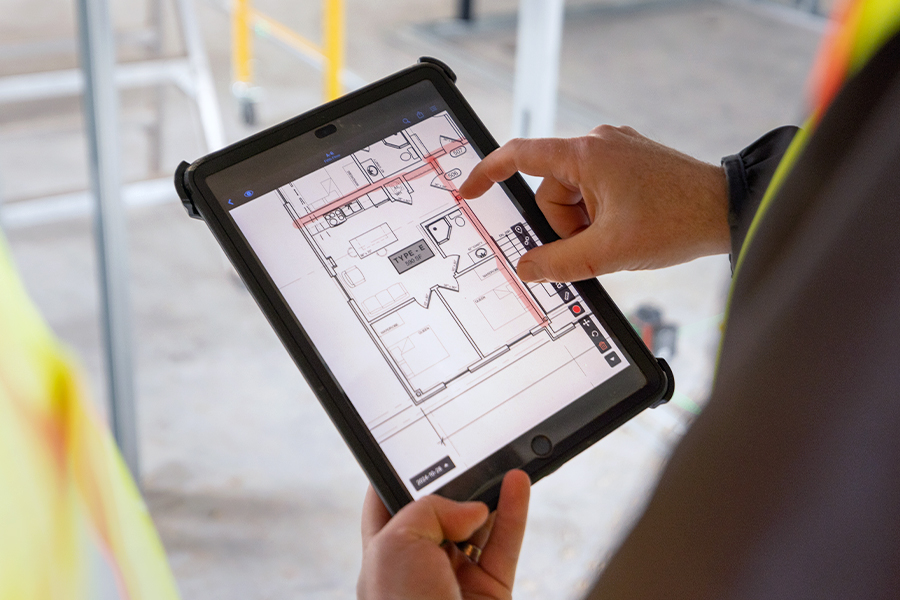
Ensure leadership, project managers, and field staff are involved in the decision. Make it clear that new processes are meant to help them find and communicate information faster by putting drawings, revisions, RFIs, and instructions directly at their fingertips, so they don’t have to hunt around the jobsite for updates. If the value is clear, adoption is easier.
Choose intuitive platforms
Mobile-first, user-friendly interfaces reduce friction and speed adoption. Also consider equipping each worker with the operating system they are already used to – Android users get an Android tablet, and the iPhone users an iPad, so there is no time wasted learning how to use these systems.
Create standardized workflows
Establish consistent processes for task creation, punch lists, RFIs, and reports. You can start with one process that is essential and simple so the teams can get used to digital tools, and slowly move to more complex workflows.
Train field teams effectively
Provide ongoing support, and consider that each project, and each role, may need individualized training to meet specific needs. After onboarding, monitor usage to prevent teams from reverting to old paper-based habits. A lack of updates or synced drawings is often a sign that crews are getting information outside the system.
Platforms like Fieldwire make adoption easier by combining intuitive UX, offline access, and task management that supports both office and field teams.
More about tech in construction: Getting buy-in from the field for digital project management
Why choose Fieldwire for construction management
Choosing the right construction management software transforms coordination, accountability, and jobsite performance. Fieldwire brings these benefits together in a single, connected platform. With task management, plan viewing, real-time progress tracking, and reporting in an intuitive, mobile-first interface, Fieldwire helps teams work more efficiently and reduce rework. Thousands of construction teams around the world trust Fieldwire to streamline their workflows, thanks to its ease of use and proven field adoption.
Whether it’s a commercial contractor streamlining inspections or a residential builder reducing rework, Fieldwire is helping teams execute construction management more effectively, turning consistent coordination into time savings and strong project quality.
Frequently asked questions about construction management software
Construction management software is a digital tool that helps teams plan, coordinate, and track construction projects. It centralizes key workflows such as document management, task tracking, communication, and reporting to improve visibility across the jobsite and office.
It reduces time spent searching for information, minimizes miscommunication, and ensures everyone is working from the latest plans. By centralizing updates and enabling real-time collaboration, teams can identify and resolve issues faster.
Yes, many construction management tools are designed for small and mid-sized contractors, with simpler interfaces and scalable pricing. These tools can help smaller teams improve organization and efficiency without adding unnecessary complexity.
Many platforms offer integrations with accounting and ERP tools, allowing financial data to sync with project data. This helps reduce manual entry, improve accuracy, and give teams a clearer view of project costs and performance.


