
What field teams actually need from construction planning software

An electrical foreman is staging his crew for conduit runs when the GC's superintendent flags a problem. The drawings on his tablet are two revisions behind the set the engineer issued last week.
Construction planning software was supposed to prevent exactly this, yet on plenty of jobsites the current sheets sit in an office inbox while crews build from superseded ones.
Closing that information gap helps teams limit rework and backcharge disputes. Where the contract ties retainage release to punch completion or final acceptance, faster punch-list resolution can also help avoid closeout-related payment delays. That only holds, though, if crews aren't working around software built for the office and retrofitted for the field.
What this article covers:
- Reliable information flow helps field teams spend more time building and reduces a major driver of U.S. rework
- Field crews prioritize offline access, automatic plan versioning, drawing-based tasks, and mobile punch lists
- Rollouts succeed when software helps field teams do their work while giving the office the information it needs
- Fieldwire reports saving field teams about an hour per person per day while reducing rework and accelerating closeout
- Shared current plans and records align field and office teams, reducing after-hours paperwork and speeding closeout
How information flow supports the jobsite
Out-of-date drawings, incomplete information, and poor coordination can contribute to rework and schedule disruption on U.S. jobsites.
A crew that can't confirm which sheet is current burns the morning calling the trailer while a PM digs through email for the answer. Meanwhile, the crew sits idle, which can easily lead to schedule delays, rework, and responsibility disputes. Poor jobsite coordination is a recurring reason projects run over budget or past deadlines, which is exactly why better information flow pays off on both.
The benefits often continue through closeout. Complete documentation can shorten the time general contractors spend finishing the job and help retainage move sooner after substantial completion. Maintaining current drawings and documented field decisions can reduce the risk of avoidable rework and closeout disputes later in the project.
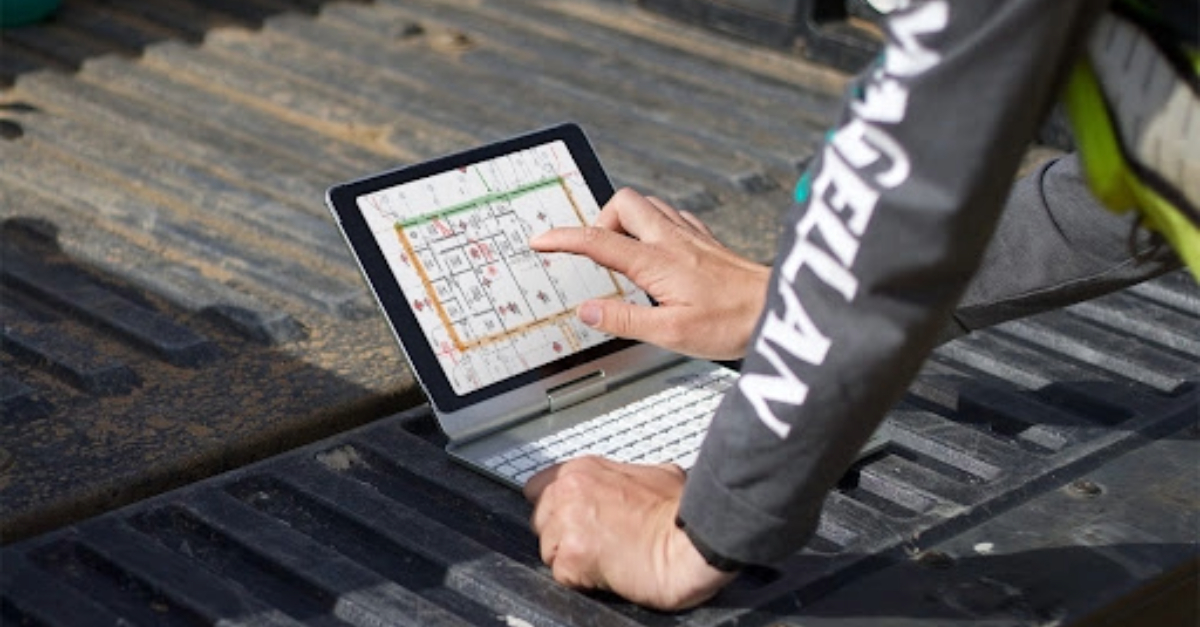
The four capabilities field teams need first
Strip away the feature lists. Field crews need four things: software that works offline, plans they can trust, tasks tied to blueprints, and closeout documentation easily accessible. Everything else comes after those field priorities.
1. Reliable offline access
A field app with only limited offline capability may not support crews working in garages, basements, remote sites, or partially completed structures. When a crew member hits a dead zone, he may default to his phone's camera roll, and the photo never gets tied to the job. Workflows that connect photos to the job keep documentation complete.
Fieldwire is a mobile-first jobsite management platform built for the people doing the actual work in the field, and it treats this as the baseline. Trade and specialty contractors manage plans, tasks, quality control, and documentation from any device. On paid tiers, crews get full offline functionality: they can view plans, create tasks, attach photos, and complete checklists fully offline.
Content needs to be downloaded to the device before it's available offline, so test that step during a pilot, including large plan sets, photos, forms, and attached documents. Changes sync once the device reconnects and the app is open, and sync timing depends on connection quality and file size rather than happening instantly.
Offline functionality isn't available on Fieldwire's beta Windows app or on Surface Pro tablets, so confirm offline behavior on the specific device and OS your crew actually carries. A foreman in a parking garage still logs the deficiency and the photo where it happened, and it syncs once he's back in open air with the app open.
2. Plans that version themselves
Drawings change multiple times throughout a project as RFIs are answered, addendums are issued, and design teams revise sheets. Keeping crews on the current sheet requires plan distribution that doesn't depend on someone in the trailer remembering to push the update. Plan version control should identify superseded sheets, preserve revision history, and make updated drawings available to connected devices after synchronization.
Teams should still define who uploads approved plan sets and how crews confirm they've synchronized the latest revision. An offline device can keep displaying a stale cached drawing until it reconnects. Systematic document control helps companies protect their profit margins.
Fieldwire versions sheets automatically as new sets upload. After connected devices synchronize, the field and office can work from the same current plan set. Test how the platform flags a stale cached sheet on a device that's been offline.
Sheet compare, on the Pro tier and above, overlays old and new revisions to show exactly what changed. On Business and Business Plus, Fieldwire supports two-way sync for plans and files with Box, Dropbox, and OneDrive; forms, photos, and as-builts sync one way, from Fieldwire to those platforms. SharePoint and Google Drive support one-way transfer into Fieldwire.
3. Tasks pinned to the drawing, not buried in a text thread
Group texts bury field issues before crews fix them. A task, whether it's a punch-list item, a quality issue, a safety observation, an installation deficiency, or a coordination conflict, needs to be pinned to a plan location. The owner and deadline should appear on the task itself to give crews an actionable record. For location-dependent field issues, tools that pin tasks to drawings may be more useful than generic task apps that lack drawing context.
In Fieldwire, tasks pin directly to the exact drawing location for each field issue. The assignee and the due date live on the pinned task itself. The person who owns the fix and the deadline for it travel with the drawing rather than with a text thread.
4. Punch lists that speed up closeout
Digital punch walks eliminate the need to transcribe paper notes back at the trailer, and they can organize a punch list with 500 items across four floors. Efficient punch list management speeds one of the most time-consuming closeout activities. Where the contract ties retainage release to punch completion, faster resolution can help subs avoid closeout-related payment delays.
In a Fieldwire-published subcontractor case study, the customer reported a 25% reduction in punch-list closure time and 18% less rework. Treat that as one customer's reported result, not an industry-wide expectation. Crews mark deficiencies on the drawings with photos attached, which is the record a GC needs to see before signing off on an item and releasing what's held against it.
How rollouts work with field crews
Field crews adopt software through their daily work on site. When it fits that work, printed drawings, whiteboards, and separate software workflows can give way to one shared system. Field adoption is more likely when foremen, superintendents, and trade leads participate in the pilot and help define the workflows used on site.
A pilot should test core actions on the actual mobile devices, PPE conditions, connectivity conditions, and jobsite locations crews use every day. That's what actually determines whether a tool sticks. Field-first tools can reduce the training and support burden for basic workflows, but teams should still plan for permissions, device setup, project templates, integrations, and user support.
Fieldwire was built around that reality. Field teams get moving on it fast on an intuitive mobile interface. Pricing is public: a free Basic tier for small teams, then per-user tiers from $39/user/month billed annually, so you pay only for the capabilities you use.
A superintendent can prove the software on one project before anyone signs a contract. This is exactly how many teams bring it in: the field finds it first, then brings it to the PM.
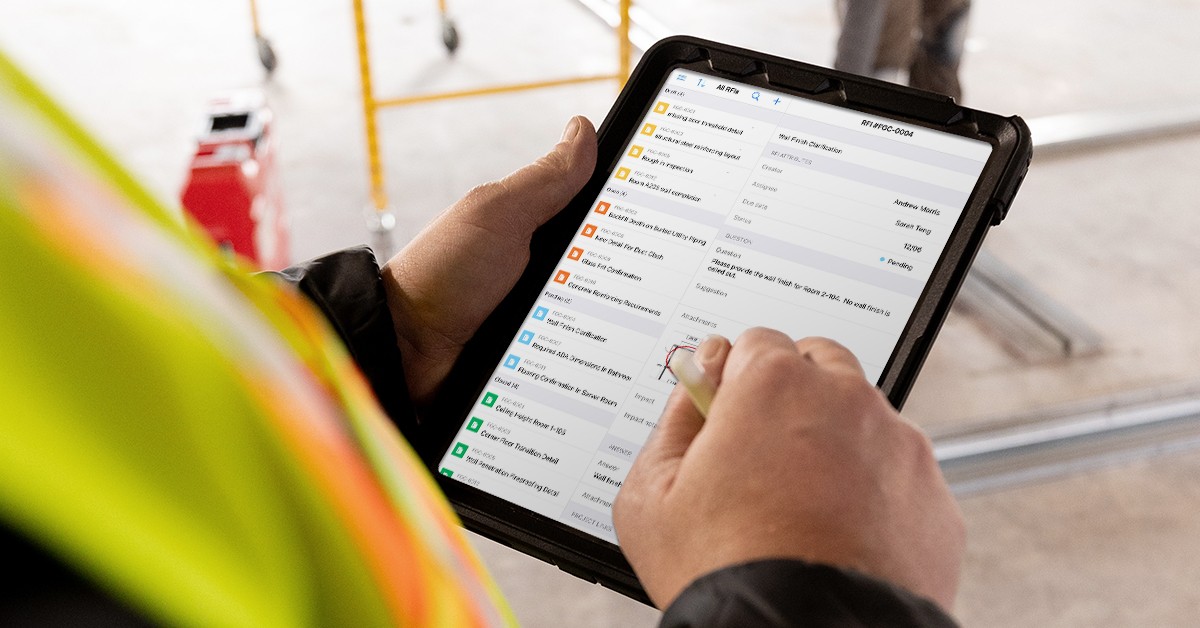
What teams get back
Fieldwire reports that its customers save about one hour per person per day on average. For an ops executive, that's not just an efficiency stat, it's labor cost recovered: an hour a day per person adds up fast across a crew, and that's the number that actually moves the P&L.
Encompass AV, an AV/IT specialty contractor, reports that Fieldwire has saved countless hours across their projects. That cuts into man-hours that used to go to tracking down plans and redoing work off outdated information. TOTE Services, also a Fieldwire customer, saves eight hours per inspector each week and cuts manual work by 75%.
The results hold at volume, too. On California's high-speed rail project, the Dragados-Flatiron Joint Venture uses Fieldwire to coordinate more than 300 people across three field offices spanning 65 miles.
Getting the field and the office on the same page
Field and office teams save time when they share current plans and records. Fieldwire gives field teams and office staff that shared, real-time view of project information and documentation. Everyone works from the same page whether they're in the field or in the trailer.
That means more time for planned work and less after-hours paperwork. Projects also close out while the punch list is still short.
Frequently asked questions about construction planning software
Construction planning software is a category of web and mobile tools that help field and office teams share plans, tasks, and documentation from a single current source, replacing email threads, printed drawings, and disconnected spreadsheets. The field-execution tools in this category are typically offline-capable, let teams pin tasks to specific drawing locations, and are fast for crews to pick up without formal training.
Offline access that doesn't fail without a signal, plans that version themselves automatically, tasks pinned to a specific drawing location rather than a text thread, and punch lists that close out quickly with photo documentation attached, these are the capabilities that tend to help field crews work faster. Feature lists matter less than whether crews can actually use the tool on site.
It depends on the product and the plan. Confirm offline scope, device support, and sync behavior directly with any vendor, since "offline" can mean anything from full read/write to view-only access to cached files. On Fieldwire, crews get full offline functionality for viewing plans, creating tasks, attaching photos, and completing checklists. Content has to be downloaded to the device before it's available offline, and offline mode isn't available on the beta Windows app or Surface Pro tablets.
It removes the dependency on someone in the office remembering to push an update. When plans version themselves as new sets upload, connected devices sync to the same current plan set. A device that's been offline can keep showing a stale cached drawing until it reconnects. Confirm how any platform flags that gap before crews rely on it.
Field adoption is more likely when foremen, superintendents, and trade leads participate in the pilot and help define the workflows used on site. A pilot should test core actions on the actual devices, connectivity conditions, and jobsite locations crews use every day. Field-first tools can reduce the training burden for basic workflows, but teams still need to plan for permissions, device setup, and user support.


